How Online Vet Visits Work: What to Expect Start to Finish
Prepared by the Waggle editorial team. This article is educational, not a diagnosis or an individual veterinary review.
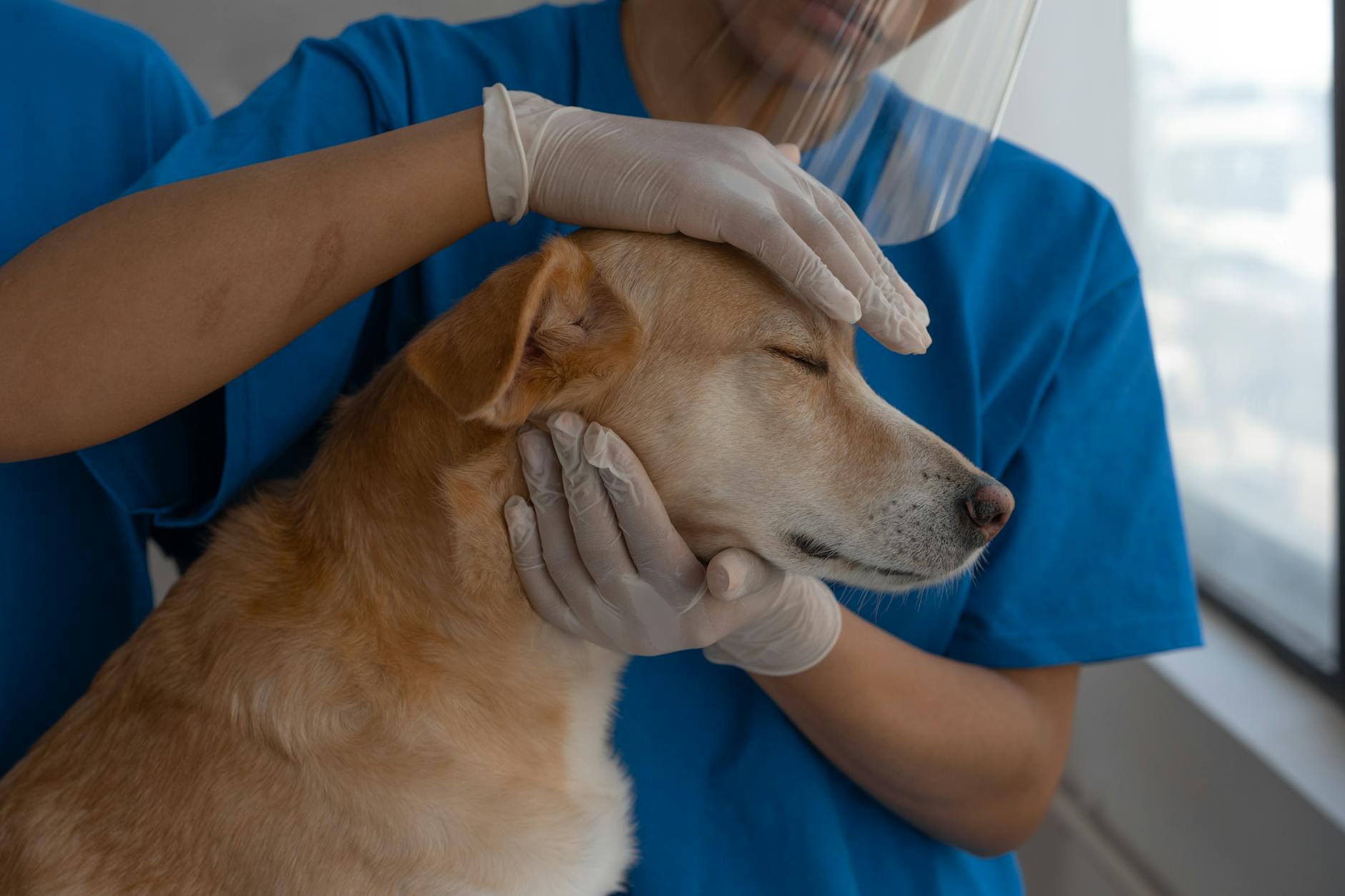
Photo by Mikhail Nilov on Pexels. Illustrative photo; not a patient or clinical diagnosis.
An online vet visit lets you talk to a licensed veterinarian by chat or video from your phone. If you've never tried one, here's how it works from start to finish.
Online guidance has legal and practical limits. Do not assume Waggle Vet will prescribe medication: licensure, a valid veterinarian-client-patient relationship, state rules and federal requirements apply. An in-person exam may be necessary.
Step 1: Set up your account and pet profile
Create an account and add your pet's name, species, breed, age and any known conditions. A complete profile means your vet doesn't have to start from scratch when you need help.
Step 2: Start a chat or video call
Choose the pet you are asking about and open the available vet-chat service. Waggle Vet offers online veterinary guidance, including after-hours access, subject to current service availability and access terms. Do not rely on a guaranteed response time.
Step 3: Describe what's going on
Tell your vet what you've noticed, when it started and any changes in eating, drinking, energy or bathroom habits. Photos and short videos help a lot.
Step 4: Get guidance
Your vet may ask follow-up questions, explain what could be going on, suggest home care and tell you what to watch for. If your pet needs an exam, tests or treatment that can't be done remotely, your vet will say so and recommend an in-person visit. You can find a nearby veterinarian for that.
Step 5: Review your visit summary
When a consultation summary is available, save or review it to remember the guidance. Keep your own notes as well. Do not assume hardware readings or every past conversation are automatically available to the veterinarian.
What online vet visits are great for
- Questions about symptoms and whether they're urgent
- Skin, digestion and behavior concerns
- Diet and preventive care questions
- Follow-up questions after an in-person visit
- After-hours worries when your clinic is closed
What they can't do
An online vet can't run bloodwork, take X-rays or perform surgery, and telehealth isn't the right choice for emergencies. Go straight to an emergency clinic for trouble breathing, collapse, seizures, suspected poisoning or severe injury.
FAQs
Does telehealth replace my regular vet?
No. It works alongside your regular vet, giving you fast answers between visits.
How much does it cost?
Check the current access, trial and billing terms shown in Waggle Vet before using the service. Offers and eligibility can change.
Start chatting with a licensed vet on Waggle Vet.
Related reading
- 5 Pet Concerns an Online Vet Can Help Assess
- Online Vet vs. ER: A Decision Guide for Pet Parents
- What Belongs in Your Pet's Complete Health File
Waggle resources
Find nearby US veterinary clinics
Sources and further guidance
- Merck Veterinary Manual: veterinary-reviewed pet owner resources
- AVMA: telehealth and the veterinarian-client-patient relationship
Sources checked October 13, 2026. These references inform the guidance; they do not mean the authors medically reviewed or endorsed this article.
Still have questions?
For non-emergency questions, explore Waggle Vet. Trouble breathing, collapse, suspected poisoning or other severe signs need immediate in-person emergency care—do not wait for an online chat.
Explore Waggle Vet