Online Vet Chat: Message a Licensed Vet in Minutes
Prepared by the Waggle editorial team. This article is educational, not a diagnosis or an individual veterinary review.
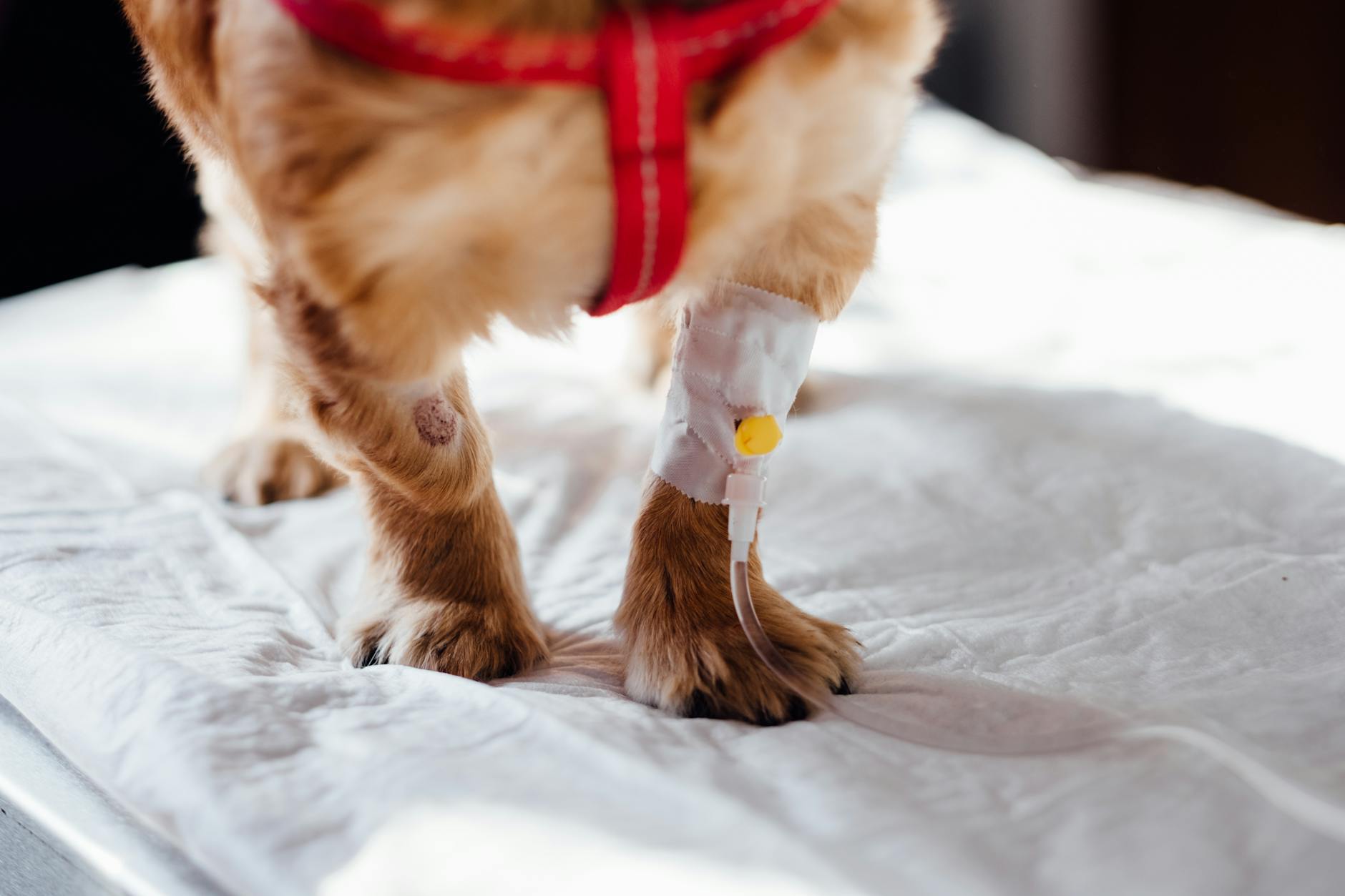
Photo by freestocks.org on Pexels. Illustrative photo; not a patient or clinical diagnosis.
Sometimes you do not need a video call. You just need to type out what is going on and get a quick, clear answer. An online vet chat lets you message a licensed vet in minutes. Here is how to make the most of it.
What a vet chat is good for
- Quick questions about symptoms
- Deciding whether something needs a visit
- Sharing photos of skin, eyes, ears or stool
- Medication, diet and behavior questions
- Follow-up questions after an appointment
- After-hours questions when your clinic is closed
How it works
- Open the app and choose your pet
- Start a chat with a licensed vet
- Describe the problem in your own words
- Upload photos or short video
- Answer the vet's questions
- Get guidance and next steps
With Waggle Vet, vets are available 24/7, with no appointment.
What to include in your first message
- Your pet's species, breed, age and weight
- What you noticed and when it started
- Changes in appetite, thirst, energy, stool or breathing
- Anything your pet may have eaten or been exposed to
- Current medications and health conditions
The more specific you are, the more useful the answer.
Photos that help
- Skin or coat: part the fur and take a few angles
- Eyes: both eyes in bright, even light
- Gums: lift the lip gently in natural light
- Stool or vomit: on a plain surface
- A short video of limping or odd breathing
When chat is not enough
Chat works well for many questions, but it is not for emergencies. Go to the nearest clinic for trouble breathing, collapse, seizures, suspected poisoning or severe injury. If a vet recommends an exam, find a vet near me.
Keep track of what was said
Consultation summaries are saved in the app. You can also store related documents in your digital pet health vault.
Cost
Check current Waggle Vet access, eligibility and plan terms.
FAQs
Is a vet chat private?
Choose a service that explains how your data is protected.
How long until I hear back?
With Waggle Vet, you can request a chat; response times depend on availability.
Can I chat about more than one pet?
Add a profile for each pet, and choose the pet you are asking about.
Service limits and further guidance
Waggle Vet currently provides live chat guidance, not a promised live video or phone consultation. Access, response times and species support depend on current availability and eligibility. Do not assume medication can be prescribed: state licensure, a valid VCPR, veterinary judgment and federal requirements apply. An in-person examination may be needed.
AVMA: telehealth and the veterinarian-client-patient relationship
Sources checked October 14, 2026. These references do not constitute veterinary review or endorsement of this article.
Related reading
- Emergency Vet Near Me: What to Do When Your Local Clinic Is Closed
- Online Vet: How Virtual Vet Visits Work & When They're Right for Your Pet
- 24 Hour Vet: How to Reach a Licensed Vet Any Time, Day or Night
Waggle resources
Find nearby veterinary clinics; call to confirm availability
Still have questions?
For non-emergency questions, explore Waggle Vet. Trouble breathing, collapse, suspected poisoning or other severe signs need immediate in-person emergency care—do not wait for an online chat.
Explore Waggle Vet