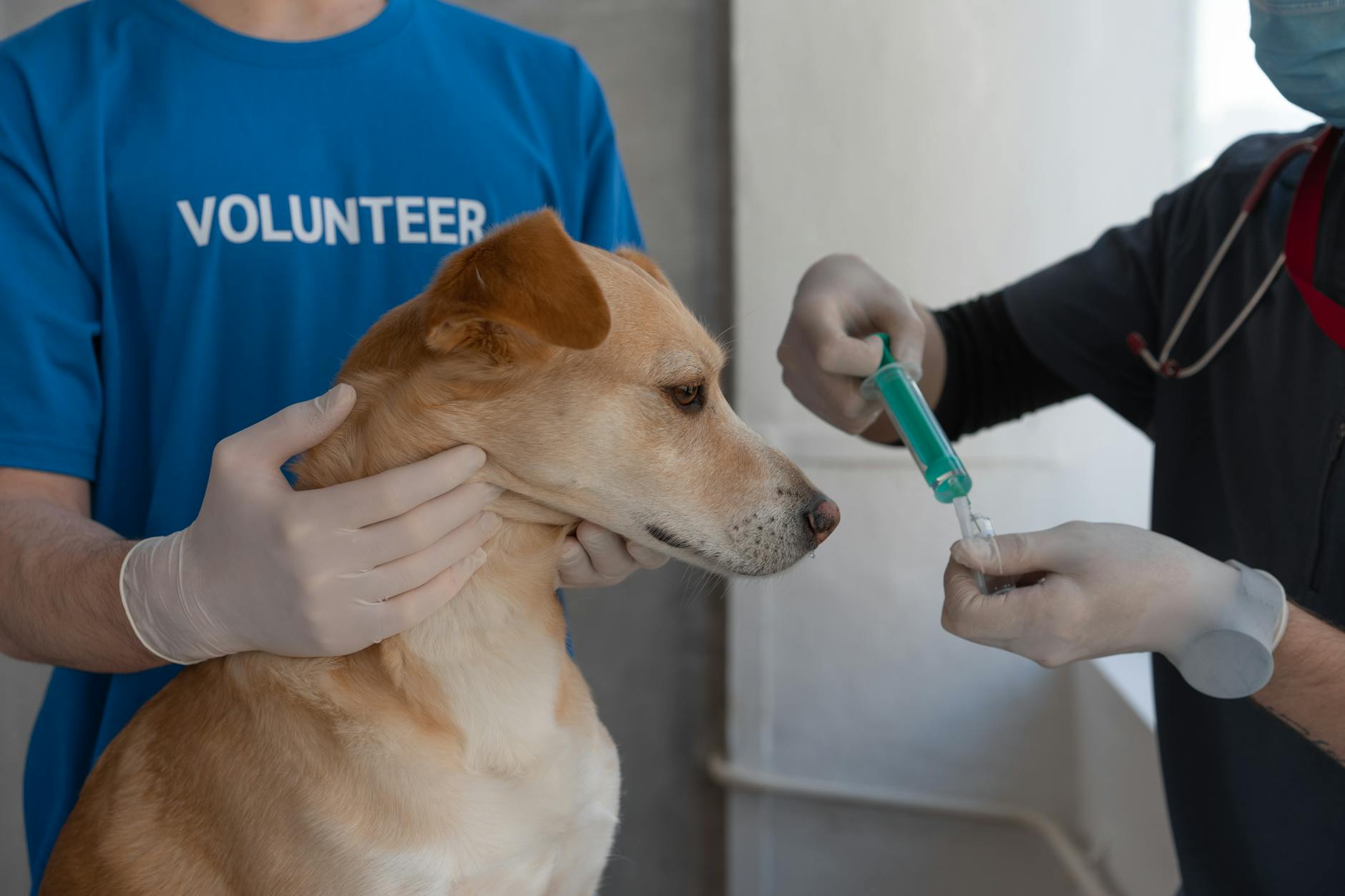
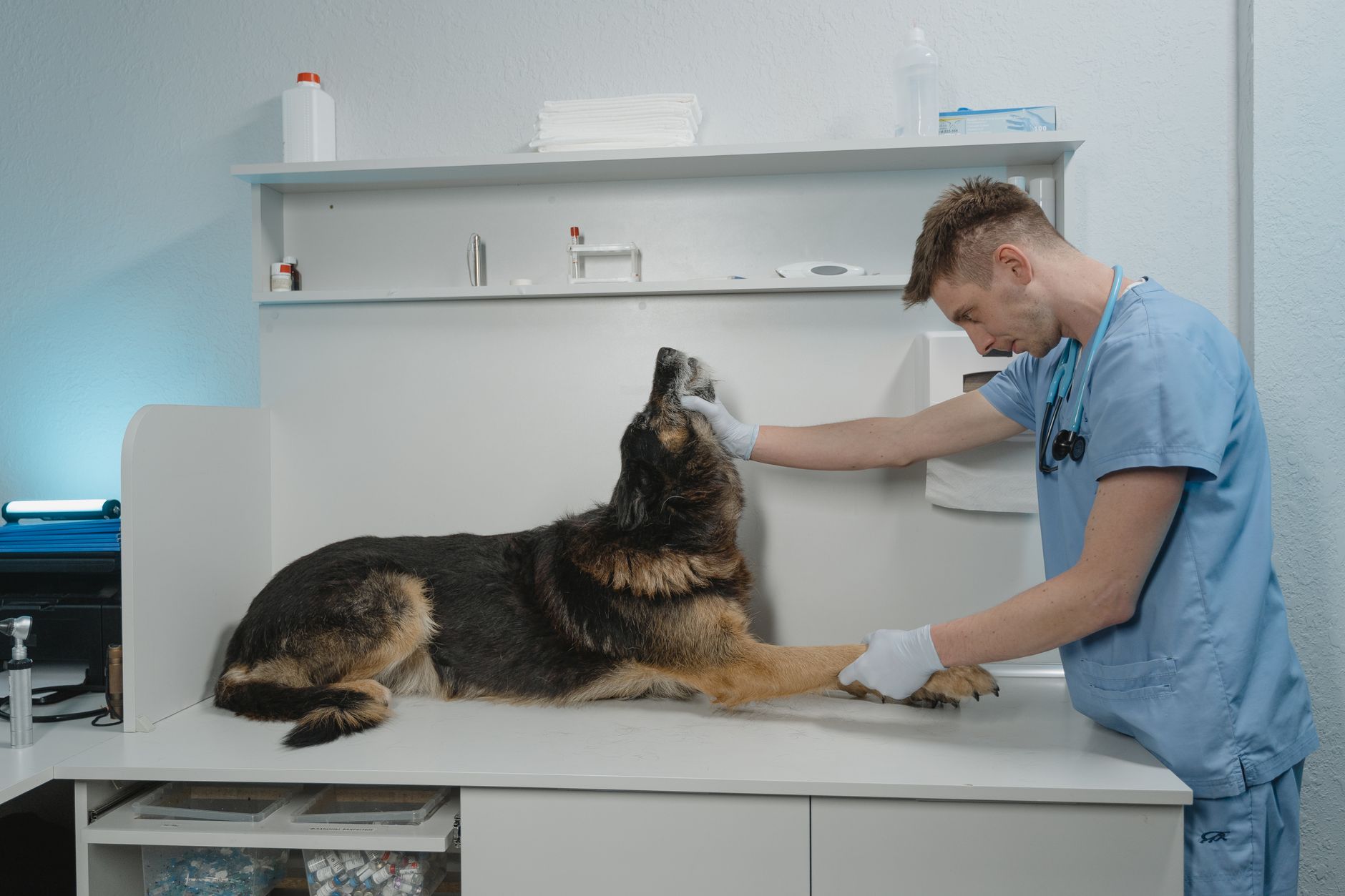
Online Vet Consultation: What to Expect, Step by Step
Prepared by the Waggle editorial team. This article is educational, not a diagnosis or an individual veterinary review.
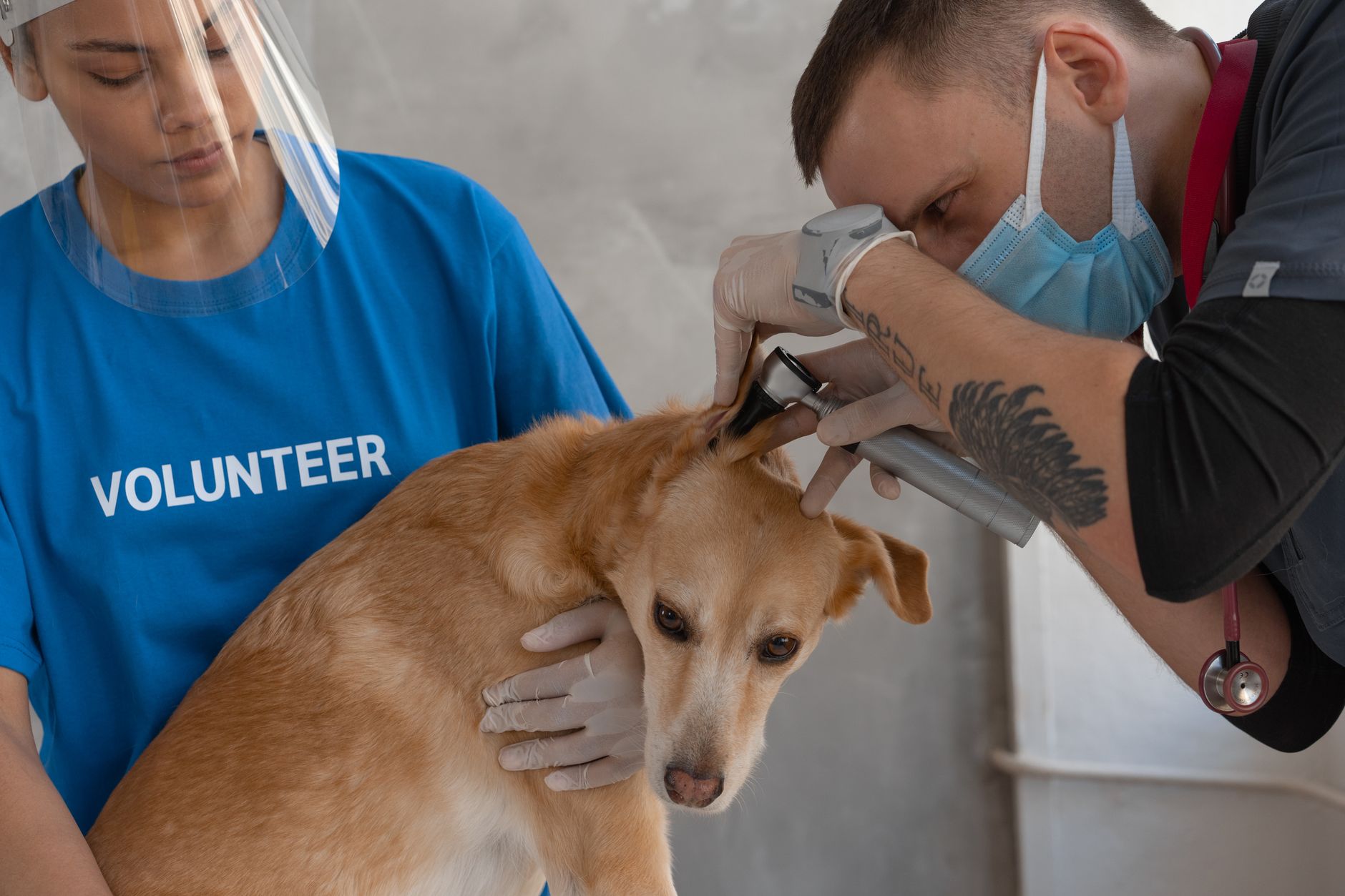
Photo by Mikhail Nilov on Pexels. Illustrative photo; not a patient or clinical diagnosis.
If you have never done an online vet consultation, it helps to know what to expect. Here is the whole process, from preparing to follow-up.
Before the consultation
- Create your account and your pet's profile. Include species, breed, age, weight and health history
- Gather information: medications, food, vaccine status and any recent changes
- Take photos and video: clear, well-lit shots of the area of concern
- Write down a short timeline: when it started, what changed and what you have tried
- Choose a quiet spot with a good connection
Step 1: Connect
Open the app and start a chat. With Waggle Vet, there is no appointment, and you can request a chat; response times depend on availability, 24/7.
Step 2: Describe the problem
Share what you have noticed in your own words. Mention appetite, thirst, energy, breathing, stool, urine and behavior.
Step 3: Share photos and video
Send what you prepared. Your vet may ask for more, such as a view of the gums, a walking video or a photo of the stool.
Step 4: Answer the vet's questions
Expect questions about your pet's history, diet and environment. Clear answers help the vet give useful advice.
Step 5: Get guidance
The vet will explain what could be going on, what to do at home, what to watch for and whether an in-person visit is needed. If a physical exam or tests are needed, find a vet near me.
Step 6: Ask your questions
Good questions include:
- What are the likely causes?
- What should I do at home tonight?
- What signs mean I should go in immediately?
- When should I follow up?
- Is there anything I should avoid?
Step 7: Review the summary
Consultation summaries are saved in the app. You can also save related documents in your Waggle Vault.
Step 8: Follow up
If your pet gets better, great. If anything changes or you are still unsure, reconnect. Many owners also check in with their regular vet.
What a consultation cannot do
It cannot replace an exam or tests, and it is not for emergencies. If your pet shows trouble breathing, collapse, seizures, suspected poisoning or severe injury, go to an emergency clinic.
FAQs
How long does a consultation last?
It varies with the problem.
Do I need a video call?
Chat is often enough, but video helps for movement, breathing and behavior.
Will I get a record?
Yes, summaries are saved in the Waggle Vet app.
Check current Waggle Vet access and eligibility terms. Start a consultation.
Service limits and further guidance
Waggle Vet currently provides live chat guidance, not a promised live video or phone consultation. Access, response times and species support depend on current availability and eligibility. Do not assume medication can be prescribed: state licensure, a valid VCPR, veterinary judgment and federal requirements apply. An in-person examination may be needed.
AVMA: telehealth and the veterinarian-client-patient relationship
Sources checked October 14, 2026. These references do not constitute veterinary review or endorsement of this article.
Related reading
- Emergency Vet Near Me: What to Do When Your Local Clinic Is Closed
- Online Vet: How Virtual Vet Visits Work & When They're Right for Your Pet
- 24 Hour Vet: How to Reach a Licensed Vet Any Time, Day or Night
Waggle resources
Find nearby veterinary clinics; call to confirm availability
Still have questions?
For non-emergency questions, explore Waggle Vet. Trouble breathing, collapse, suspected poisoning or other severe signs need immediate in-person emergency care—do not wait for an online chat.
Explore Waggle Vet