How to Take Great Photos and Video for Your Online Vet Visit
Prepared by the Waggle editorial team. This article is educational, not a diagnosis or an individual veterinary review.
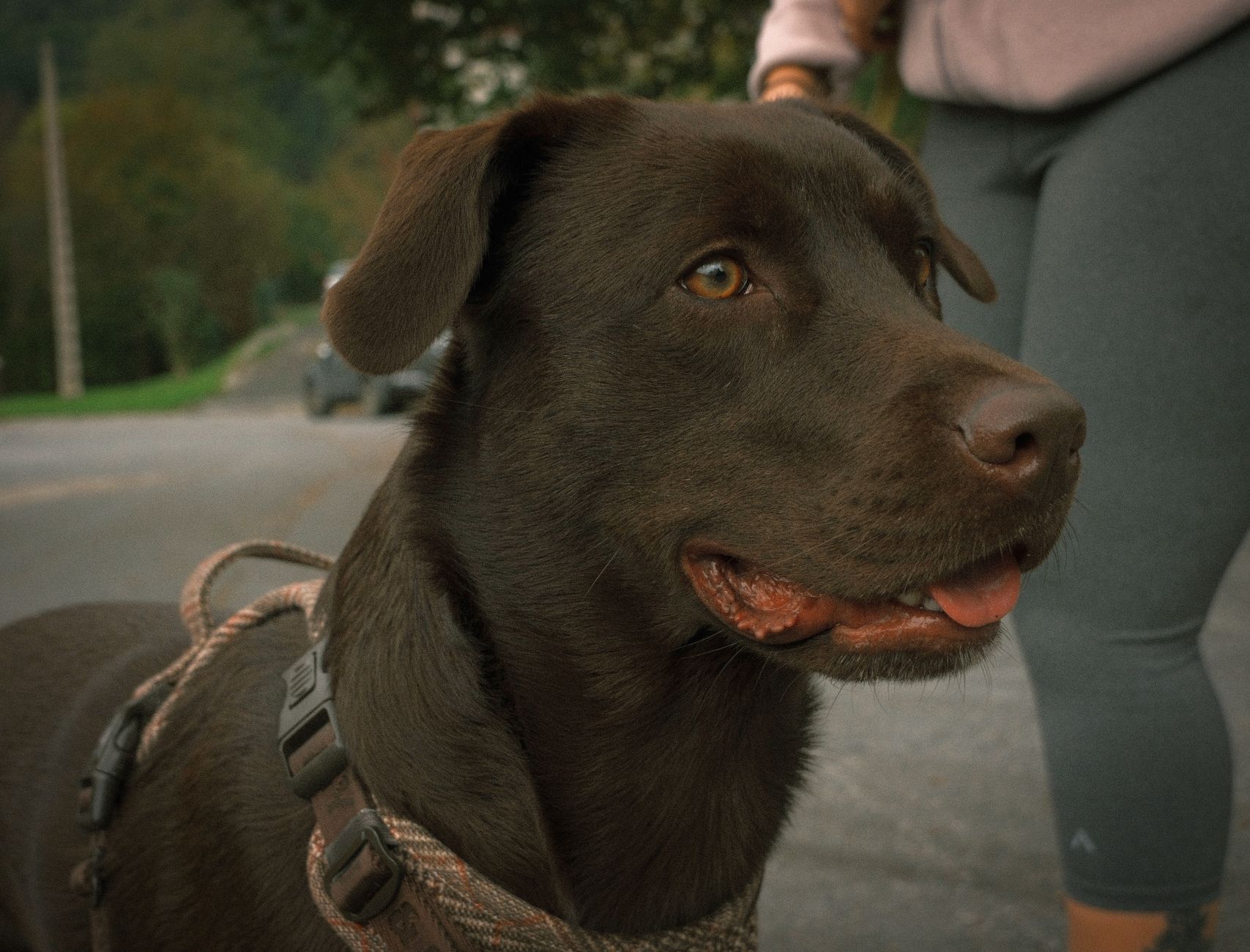
Photo by Mateo Giraldo Bedoya on Pexels. Illustrative photo; not a patient or clinical diagnosis.
Your vet can't touch your pet over chat, so your photos and videos do a lot of the work. A few minutes of preparation can make your visit faster and more useful.
Online guidance has legal and practical limits. Do not assume Waggle Vet will prescribe medication: licensure, a valid veterinarian-client-patient relationship, state rules and federal requirements apply. An in-person exam may be necessary.
General tips
- Use bright, natural light and turn off flash when possible
- Hold your phone steady and tap to focus
- Take both a close-up and a wider shot for context
- Place a coin or hand beside lumps and wounds to show scale
- Keep your pet calm. A treat or a helper makes it easier
Skin, ears and eyes
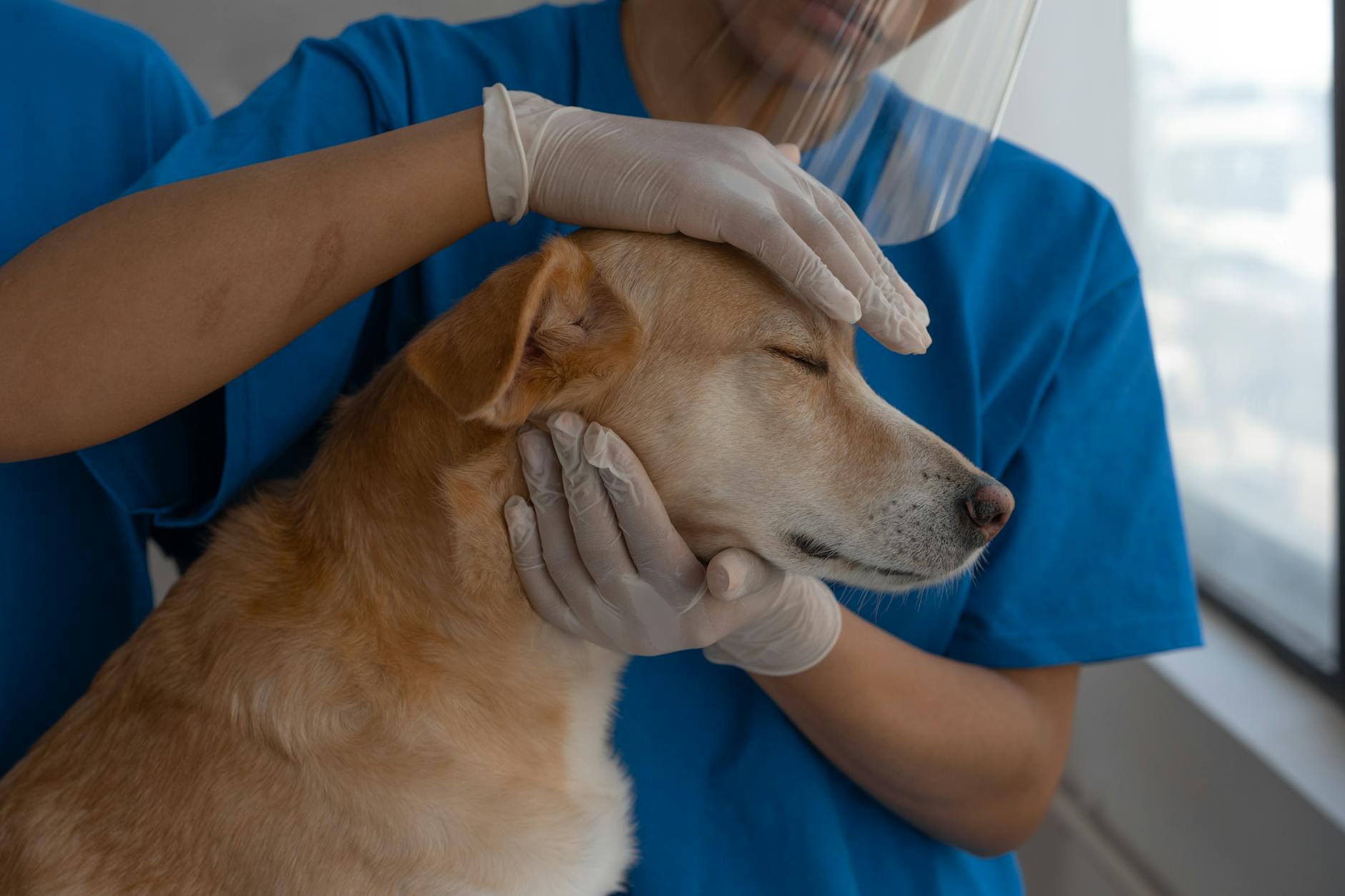
Part the fur to show the skin and photograph the area from a few angles. For eyes, capture both eyes in even light to compare. For ears, show the inside flap and any discharge.
Gums and mouth
Lift the lip gently in natural light so your vet can see color. Note whether gums look pink, pale, white, blue or very red. If your pet resists, don't force it.
Limping and movement
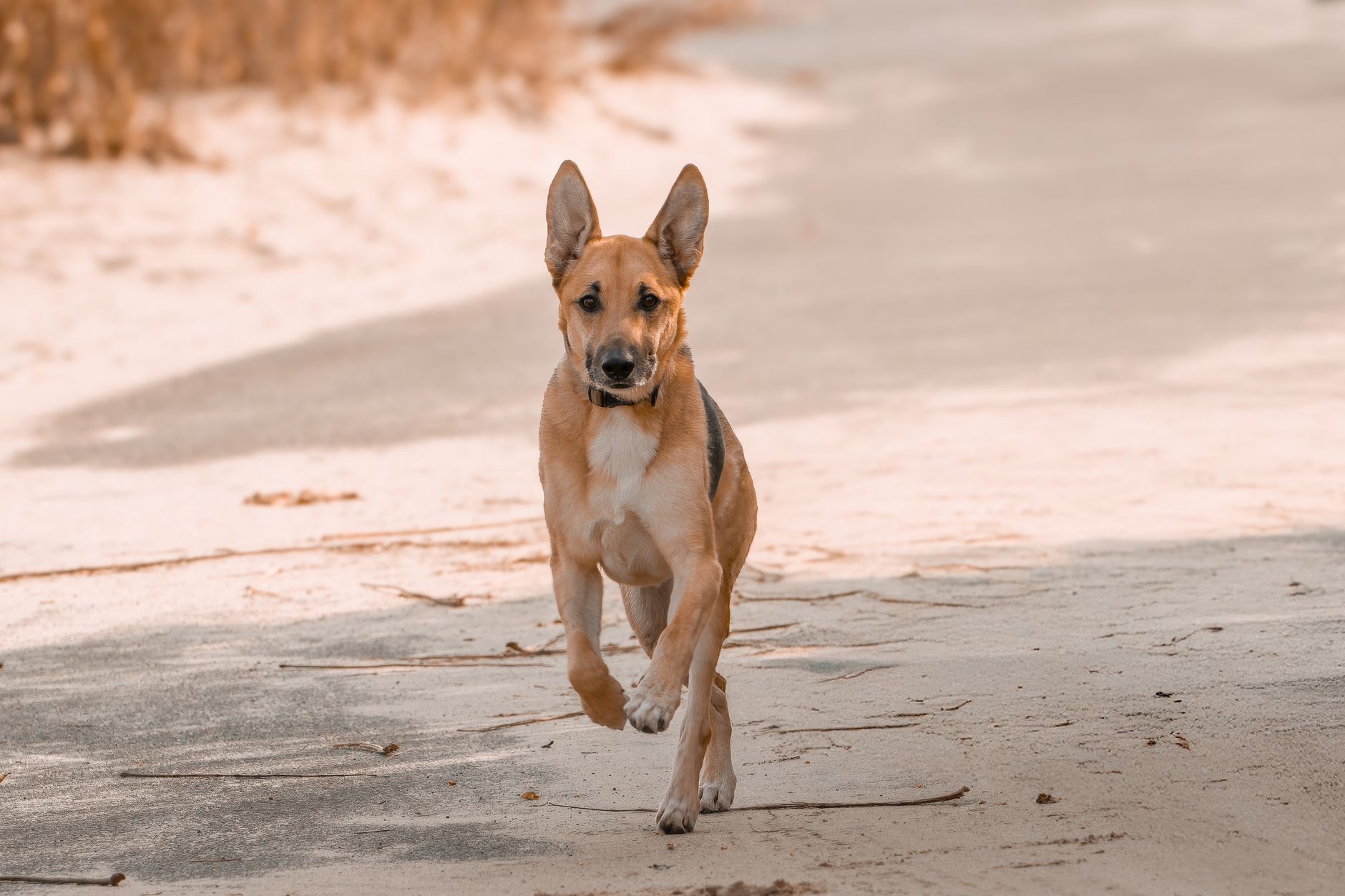
If your pet is comfortable, record a short clip of ordinary walking on a flat surface from a safe distance. Do not make a limping pet climb stairs or jump to demonstrate pain. Severe pain or inability to bear weight needs an in-person examination.
Breathing
Film your pet at rest for 30 seconds with the chest and belly visible. You can count breaths per minute yourself and share the number.
Stool, vomit and urine
Photograph on a plain surface in good light. A coin or paper towel helps show size. Never handle samples without washing your hands afterward.
Birds and exotics
For a consultation with an appropriate species specialist, enclosure and diet photos may help. Do not assume the Waggle Vet service supports birds or exotic pets.
Also have ready
Medication names, food labels, recent vaccine dates and any older records. A digital pet health vault keeps these in one place.
FAQs
Should I send photos before the visit?
Many people upload them at the start of the chat. Start a chat with a licensed vet on Waggle Vet.
What if my pet won't cooperate?
Short, clear clips beat long ones. Try again after they settle.
Related reading
- How Online Vet Visits Work: What to Expect Start to Finish
- 5 Pet Concerns an Online Vet Can Help Assess
- What Belongs in Your Pet's Complete Health File
Waggle resources
Store pet documents with Waggle Vault
Sources and further guidance
- Merck Veterinary Manual: veterinary-reviewed pet owner resources
- AVMA: telehealth and the veterinarian-client-patient relationship
Sources checked October 13, 2026. These references inform the guidance; they do not mean the authors medically reviewed or endorsed this article.
Still have questions?
For non-emergency questions, explore Waggle Vet. Trouble breathing, collapse, suspected poisoning or other severe signs need immediate in-person emergency care—do not wait for an online chat.
Explore Waggle Vet